Banana 2.1
Describe the subject, lighting, and layout in plain language, or upload a picture and say what to change. Banana 2.1 creates sharp visuals for product pages, ads, and social posts. Swap backgrounds, restyle a scene, or keep a reference look while you change the subject. Free to try with signup credits.
What is Banana 2.1?
Banana 2.1 is an AI image tool that builds pictures from your words or updates photos you upload. You get clean visuals for shops, ads, and posts, then tweak them step by step until they are ready to download. Free to try with signup credits.
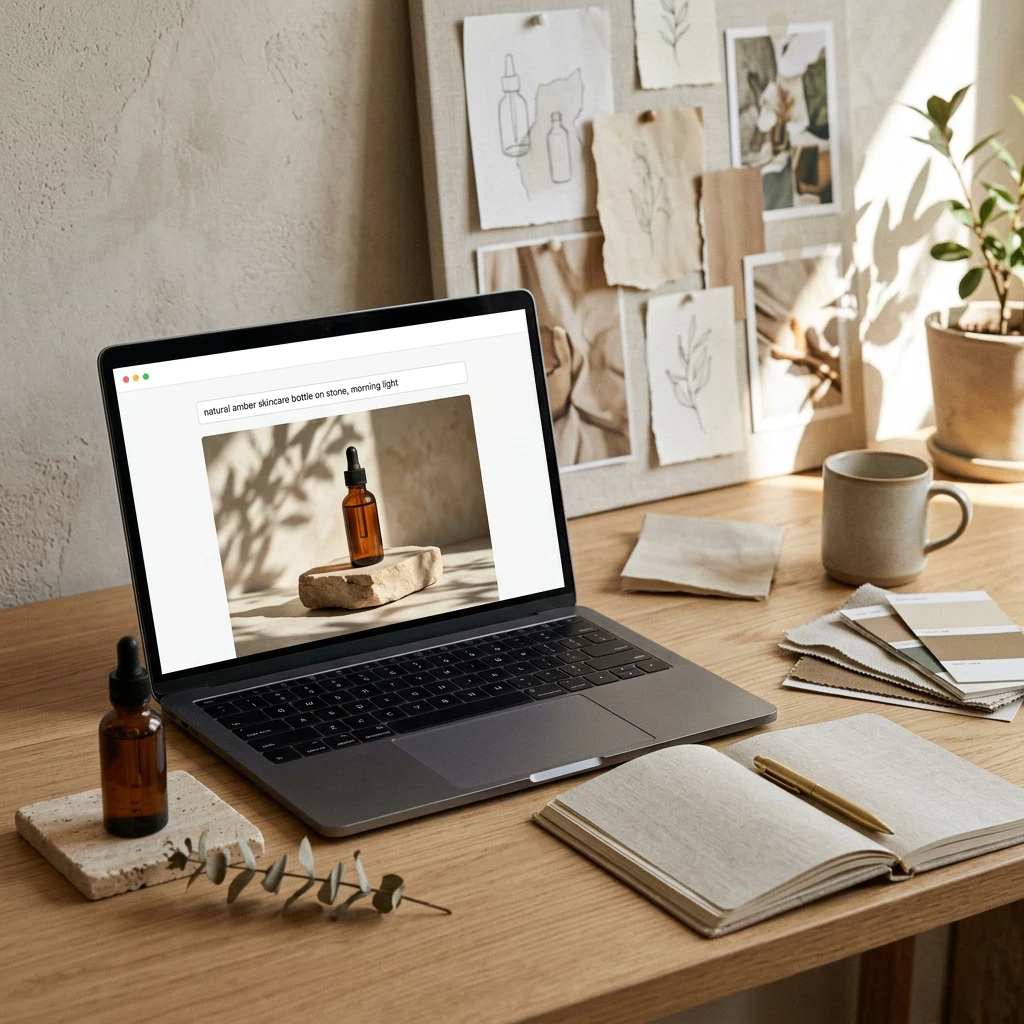
- Text to Image in One GoTell Banana 2.1 what to show—subject, light, and layout—in everyday language. It returns a finished image in seconds, sized for listings, banners, and social feeds.
- Edit With Simple SentencesUpload a photo and say what to change: new background, warmer light, or remove an item. The main subject stays in place while the scene updates around it.
- Same Look Across EditsBanana 2.1 keeps faces, outfits, and products steady when you run several edits. A product line or portrait set stays recognizable from frame to frame.
Why Use Banana 2.1 for Image Work
Three reasons Banana 2.1 helps you go from idea to finished art faster:
Banana 2.1 Key Features
What Banana 2.1 helps you do with words, uploads, and quick follow-up edits:
One Prompt, One Picture
Describe the subject, lighting, and layout in everyday language. Banana 2.1 turns that into a finished image in seconds—ready for product pages, ads, and social posts. Free to try when you start with signup credits.
Change Photos With Words
Upload a shot and say what to update: swap the background, restyle the mood, or remove an object. The main subject stays in place while the rest of the scene changes around it.
Reference Remix
Add a style reference, then describe a new scene. Banana 2.1 keeps colors and character details close to that look so a whole series feels matched and on-brand.
Product Stays, Scene Changes
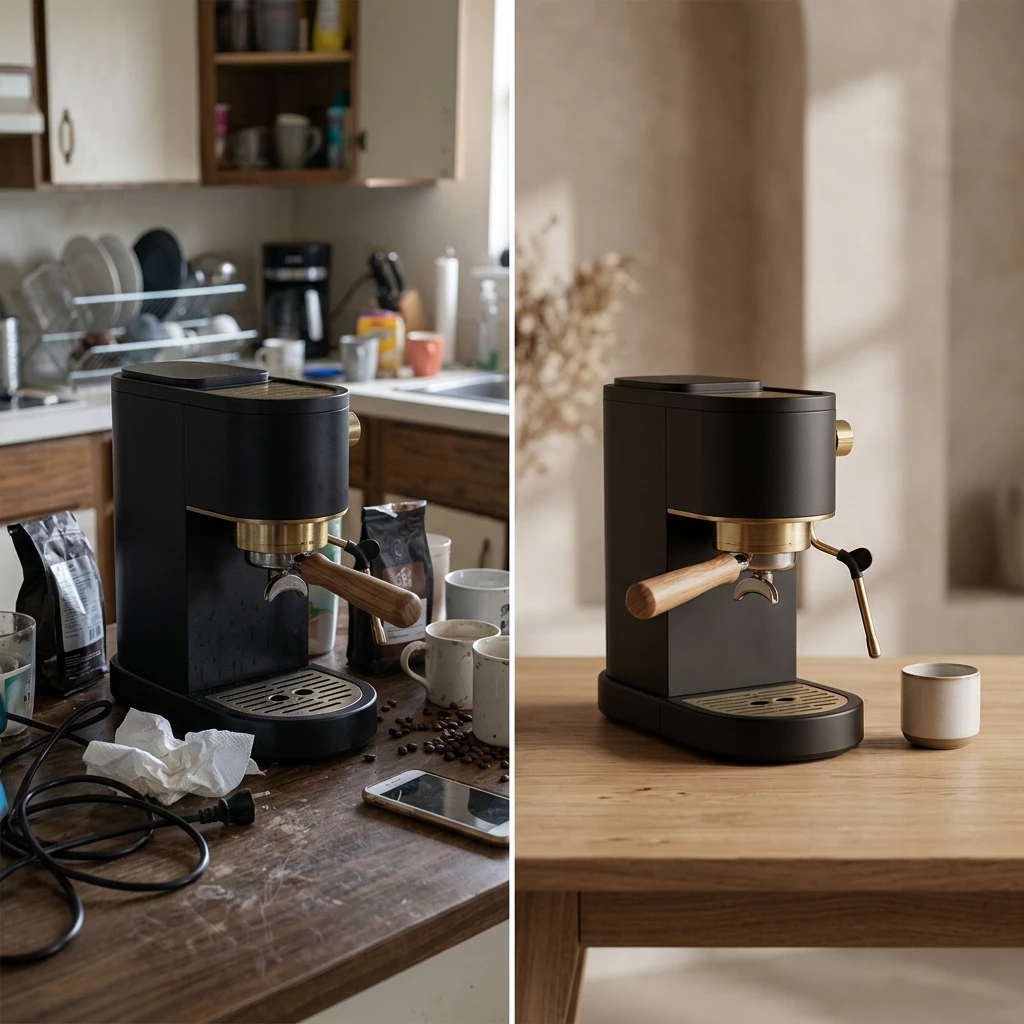
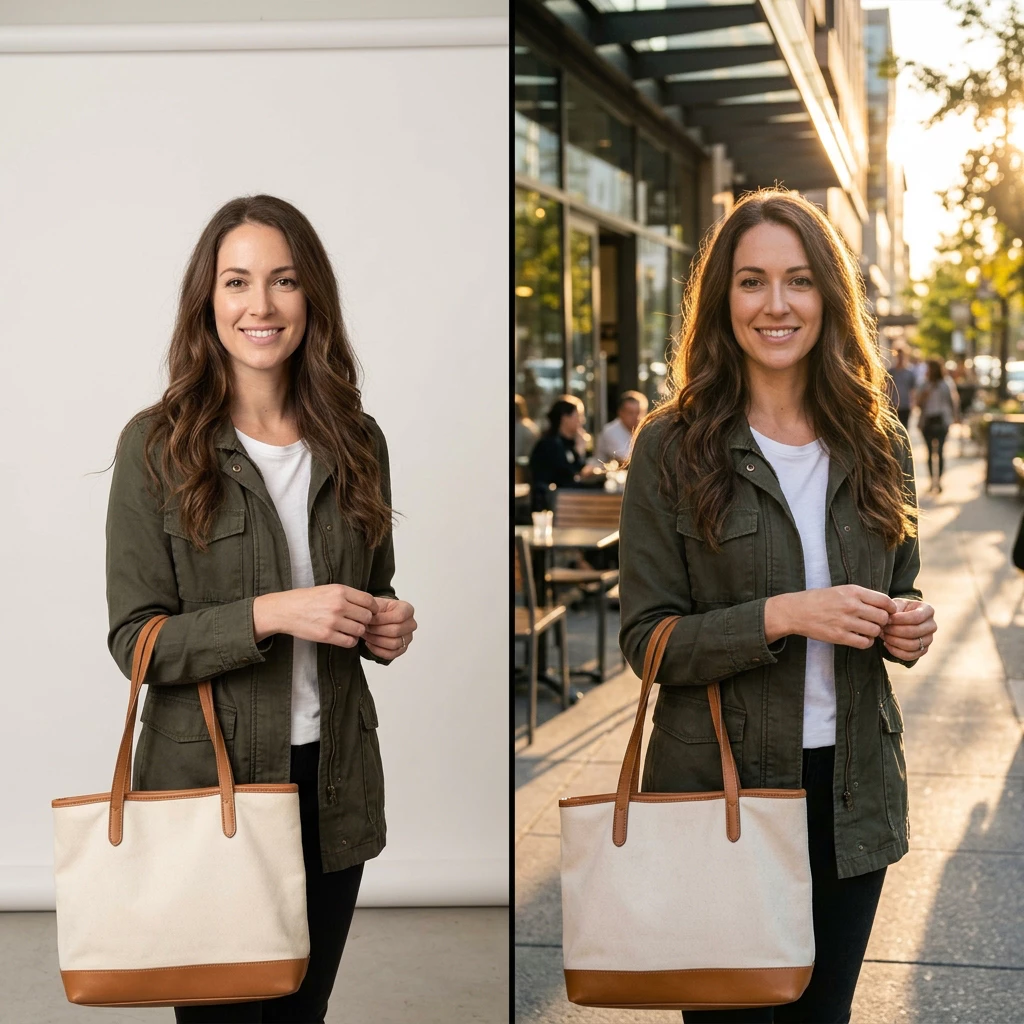
Start from a packshot, describe a new place and lighting, and get a staged photo where the item still reads clearly. Compare before and after to pick the version you want.
Clear Size Options
Pick output sizes that fit your workflow—from quick 1K drafts to larger 2K and 4K exports on paid plans. Materials and light respond well when you describe them in the prompt.
Readable Text and Steady Subjects
Headlines and labels in posters come out cleaner when you put exact wording in quotes. Faces, outfits, and products stay more stable across several edit passes.
Make Your First Banana 2.1 Image
Three simple steps to go from a prompt or photo to a file you can download:
Describe or Upload
Open the tool in your browser and use signup credits to try Banana 2.1 free. Write the subject, setting, lighting, and any exact text in quotes—or upload a photo when you want an edit instead of a new image.
Generate Your First Pass
Choose an aspect ratio and output size, then generate with Banana 2.1. For busy scenes, add clearer details in your prompt and refine with one small edit at a time.
Refine and Download
Ask for one change at a time, such as softer light, a cleaner background, or a new angle. When the image looks right, download it for your listing, ad, or post.
Ways to Use Banana 2.1
See how teams turn a short prompt or a product photo into visuals ready for shops, ads, and posts.
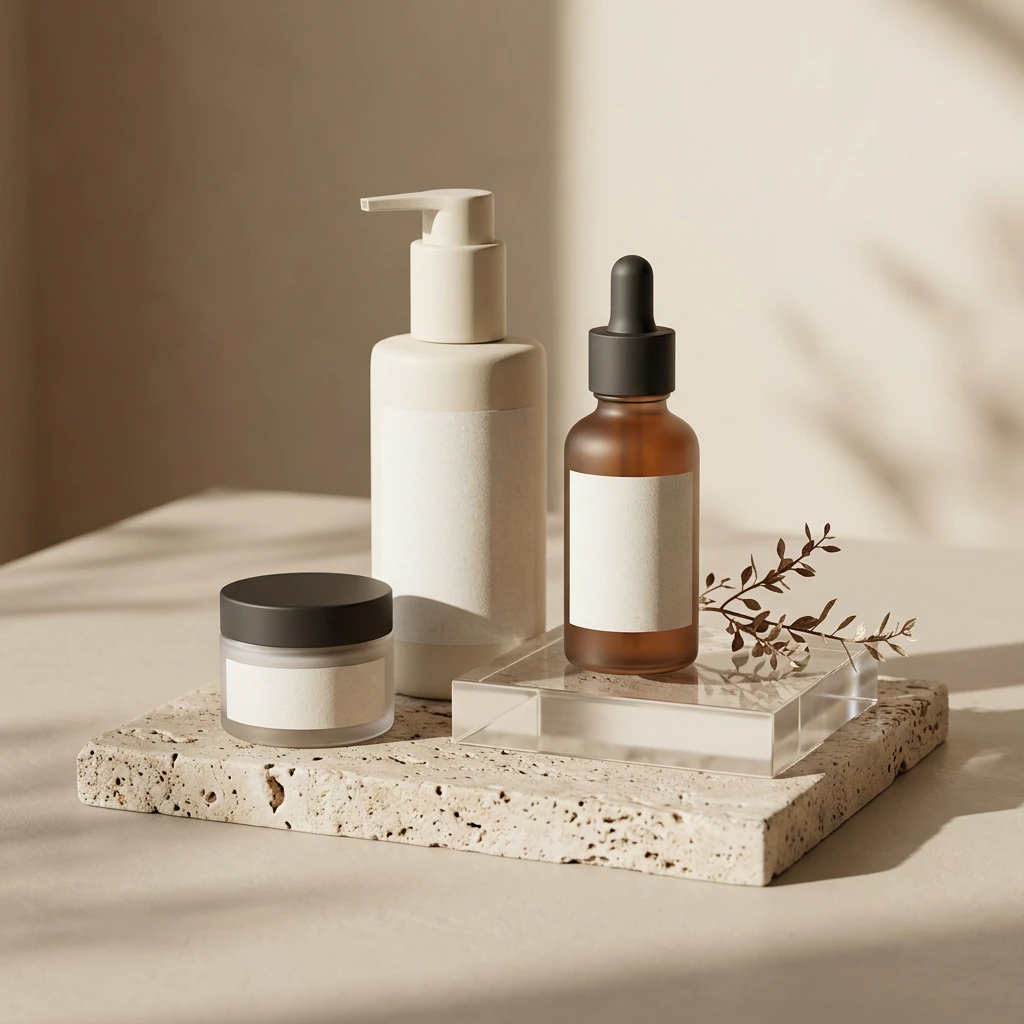
Catalog Shots Without a Studio
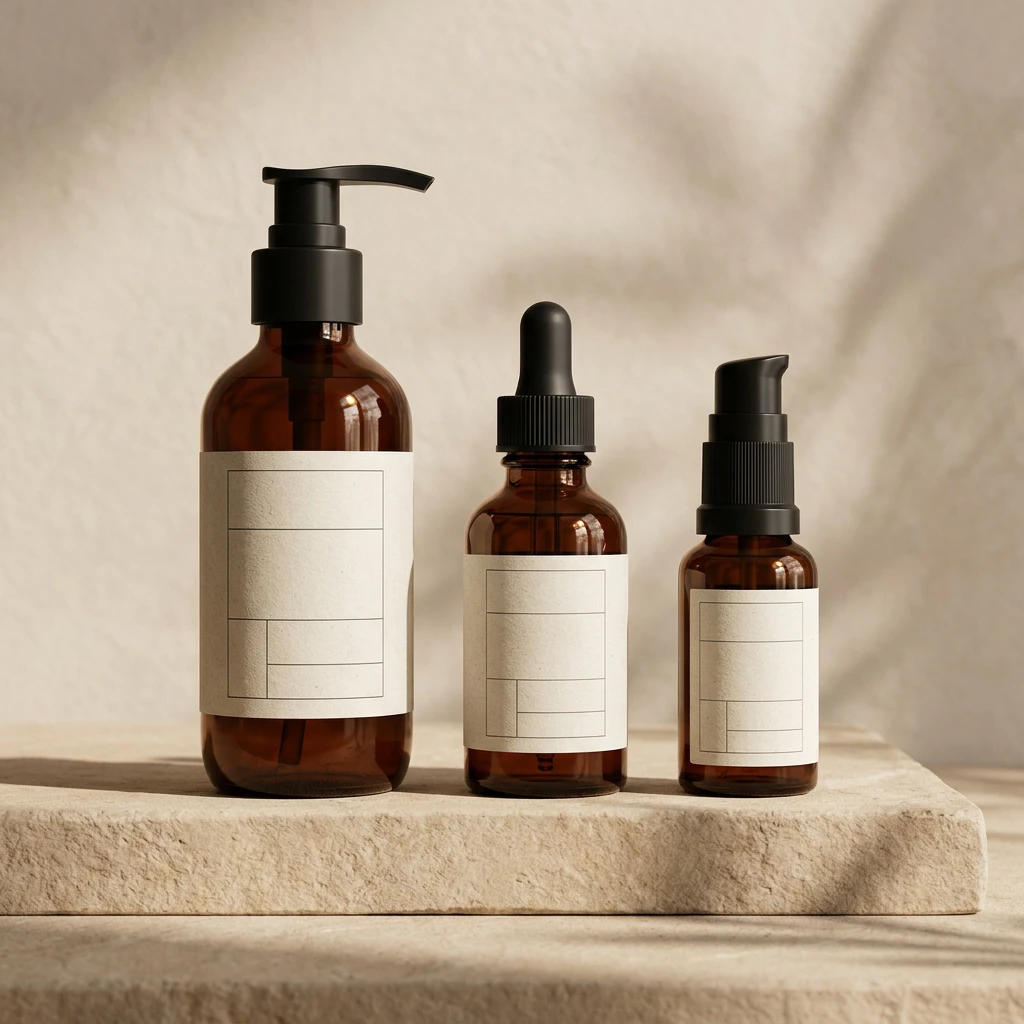
“We described our bottles on stone in morning light and got listing-ready art in minutes—no photographer, just a clear prompt and Banana 2.1.”
- Match lighting and angle across a whole product line
- Free to try with signup credits, then upgrade when you need more volume
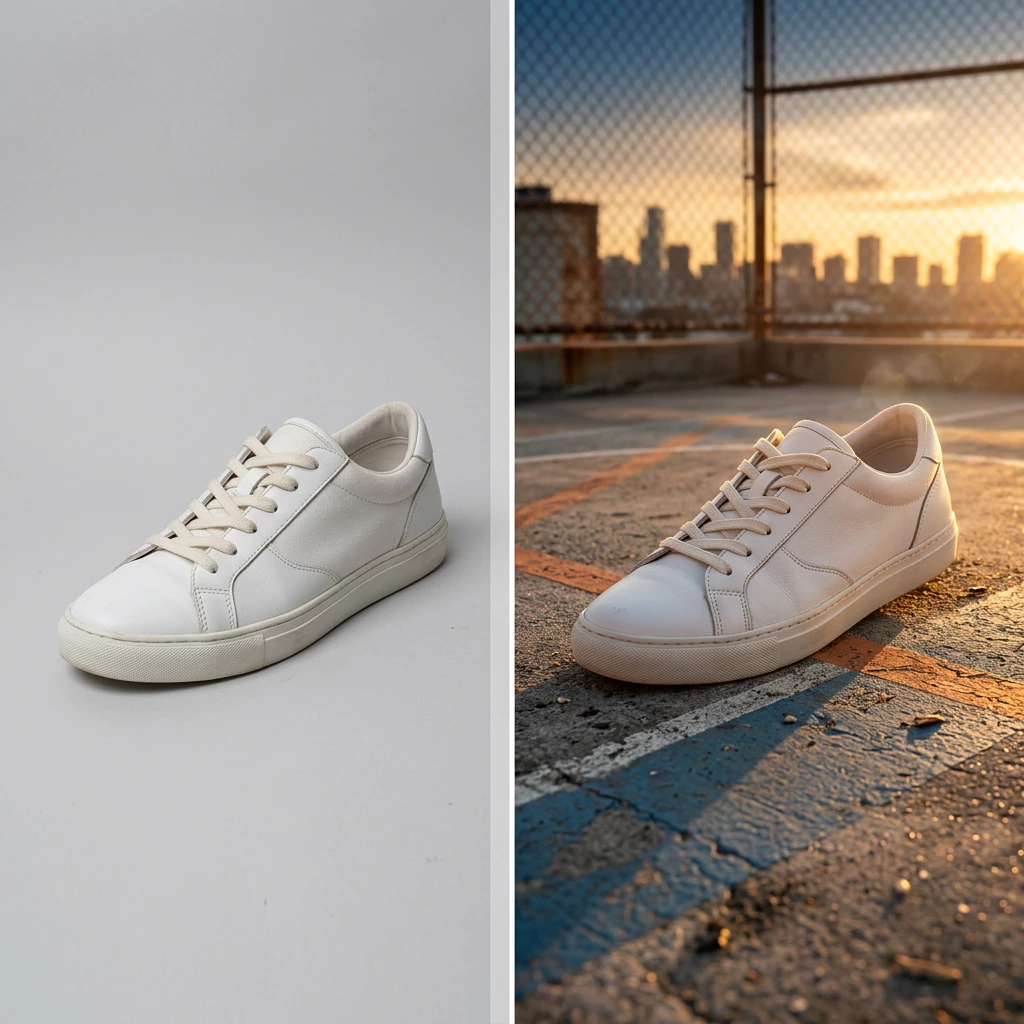
Keep the Subject, Change the Scene
“We uploaded a white-background sneaker shot and asked for a rooftop court at golden hour—Banana 2.1 relit the shoe and matched the new sky without a reshoot.”
- Describe the place, colors, and mood in plain words
- Try it free with signup credits, then refine with one small edit at a time
Banana 2.1 – Images in a Few Steps
Banana 2.1 is built for prompts, photo edits, and quick follow-up tweaks in your browser.
Rich Detail
Realistic
Describe light, materials, and mood in everyday words and get images that look believable for ads, listings, and social posts.
Easy Start
Free to Try
Open the app and try Banana 2.1 free so you can test prompts and photo edits before you commit to a paid plan.
One Toolkit
Flexible
Create from text, change uploads with plain sentences, or keep a reference look while you swap the subject or scene.
What People Say About Banana 2.1
Short notes from sellers, marketers, and creators who tried Banana 2.1 free, then kept using it for real work.
Brian K.
I typed one product scene and had a listing image the same afternoon—no studio booking, just a clear prompt and a quick download.
Maya L.
I run social alone. Swapping backgrounds on old packshots with plain sentences beats rebuilding every post in design software.
Leo P.
We restaged a shoe on a new set for a flash sale—the product stayed sharp and our click-through looked better than last month’s stock art.
Sofia G.
Three edit passes and my portrait set still looked like the same person—small wording tweaks fixed what the first draft got wrong.
James W.
Putting the headline in quotes gave us a cleaner poster. Signup credits let us try Banana 2.1 free before we paid for more runs.
Banana 2.1 – Common Questions
Quick answers about Banana 2.1, prompts, photo edits, and downloads. Still stuck? Reach out anytime.
What is Banana 2.1?
Banana 2.1 is an AI image tool in your browser. You write a prompt or upload a photo, get a visual back, then refine it with short instructions until you download the file.
Why use Banana 2.1?
You can make product shots, ad art, and social images without heavy design software. Plain-language edits replace many manual masking steps, and drafts come back quickly so you can iterate.
How do I get started?
Open the app, use signup credits to try Banana 2.1 free, then either describe your scene or upload a photo to edit. Pick an aspect ratio and size, generate a first pass, and adjust one detail at a time.
What should I check before I export?
Zoom in on faces, products, and any text in the frame. Compare your first and latest version for lighting, background edges, and spelling. Fix one issue per edit so changes stay predictable.
What makes this approach different?
You can create from scratch, edit uploads, or remix a reference look in one place. Banana 2.1 aims to keep subjects steady across passes and render labels more clearly when you put exact wording in quotes.
Can I restyle a shot or fine-tune settings?
Yes. Describe a new look in your prompt, adjust output size when you need a larger file, or change one instruction at a time. Only upload images you have rights to use.